Stellar Spins Mobile Casino and App Status
 Available in AU
For the broader overview, return to the Stellar Spins review.
You do not need to install software to use Stellar Spins on a phone or tablet. The casino’s mobile pages are built around browser play, with the site adapted for smartphone and tablet screens and games available directly through a mobile browser. For iPhone, iPad and Android users, that makes the browser the clearest route: open the site, sign in and use the same account without maintaining a separate casino application.
The app question needs one important distinction. Stellar Spins’ own mobile page tells players to skip app downloads and instead use instant browser play, with instructions for adding a home-screen shortcut on both iOS and Android. Some other brand material has used inconsistent app wording, so the useful conclusion is not to hunt for a native download. The documented mobile experience is the responsive website itself.
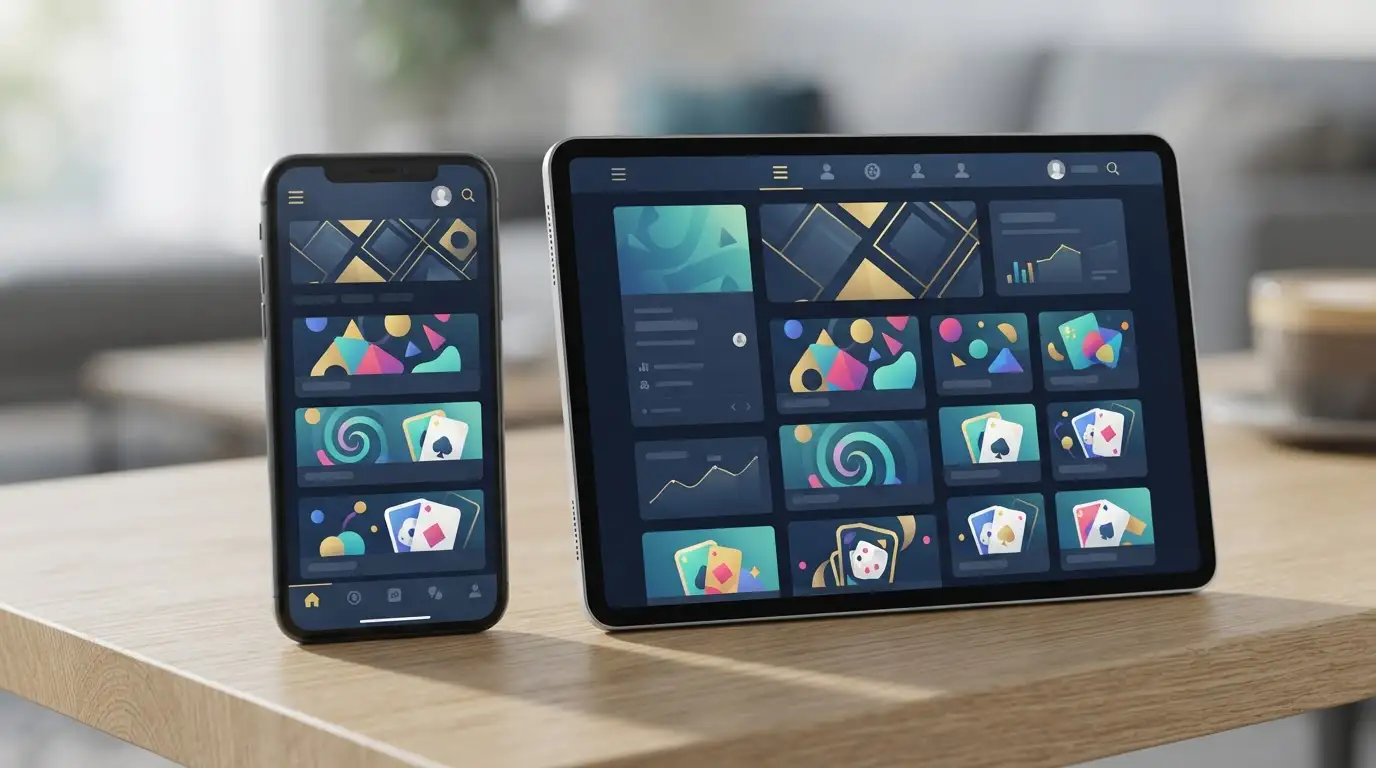
Table of Contents
- What mobile access actually means at Stellar Spins
- Is there a Stellar Spins app for iPhone or Android?
- Getting started on an iPhone or iPad
- Using Stellar Spins on Android
- What you can play on mobile
- Mobile live casino: screen size matters more than installation
- Deposits and banking from a phone
- Registration and account access on mobile
- Browser shortcut or ordinary bookmark?
- What to check before playing on mobile data
- Mobile myths worth avoiding
- Stellar Spins mobile questions
- The simplest mobile setup is already in your browser
What mobile access actually means at Stellar Spins
Browser-based mobile play means the casino runs inside Safari, Chrome or another compatible browser rather than as a separately installed native program. Stellar Spins says its site is optimised for smartphones and tablets, and its game pages describe the catalogue as available across mobile and desktop devices.
The practical advantage is consistency. You use one account, one balance and one set of login details across devices. There is no separate app account to fund or synchronise. Updates to the casino interface also happen on the website side rather than requiring a manual app update from a store.
For players who switch between a laptop and phone during the week, this browser-first setup is simpler than maintaining separate software. The trade-off is that the experience depends more directly on the quality of your browser, connection and device resources.
Deposits from a phone run through the payment methods.
Is there a Stellar Spins app for iPhone or Android?
The official Stellar Spins mobile page promotes instant browser play instead of an app download. It specifically tells users to add the casino to the home screen if they want quicker access. On iPhone and iPad, that is done through the browser’s Share menu and “Add to Home Screen”. On Android, the page directs users to the browser menu and “Add to home screen”.
A home-screen shortcut can look and feel app-like because it gives the casino its own icon, but it still opens the web experience. That is different from a native iOS or Android application installed through an app marketplace.
If you see a third-party page advertising an APK or a supposed Stellar Spins app, do not assume it is official simply because the branding looks convincing. The safer route is the casino’s documented browser access.
Getting started on an iPhone or iPad
- Open Stellar Spins in your mobile browser.
- Sign in with your existing account or complete registration if you are new.
- Use the game categories or search controls to find a title.
- If you want a faster return path, use the browser’s Share menu and choose Add to Home Screen.
The shortcut does not create a second account and does not duplicate your balance. It is simply a faster launch point for the same browser-based service.
On a smaller iPhone screen, game choice and cashier tasks are generally easier in portrait mode, while many games themselves are more comfortable in landscape when the title supports it. An iPad gives more room for game lobbies and live tables without changing the underlying account.
Using Stellar Spins on Android
Android follows the same basic model. Open the casino in a browser, sign in and use the responsive site. The official mobile guidance suggests adding a home-screen shortcut from the browser menu if you want an icon on the device.
That approach avoids downloading an installation file from an unknown source. It also means you are not responsible for manually replacing an old casino app package when the site changes.
If a game fails to open, Stellar Spins’ FAQ recommends reopening the game and clearing the browser cache if necessary. The FAQ also says Chrome is the preferred browser for the casino experience, which makes it a sensible first option when troubleshooting on Android.
What you can play on mobile
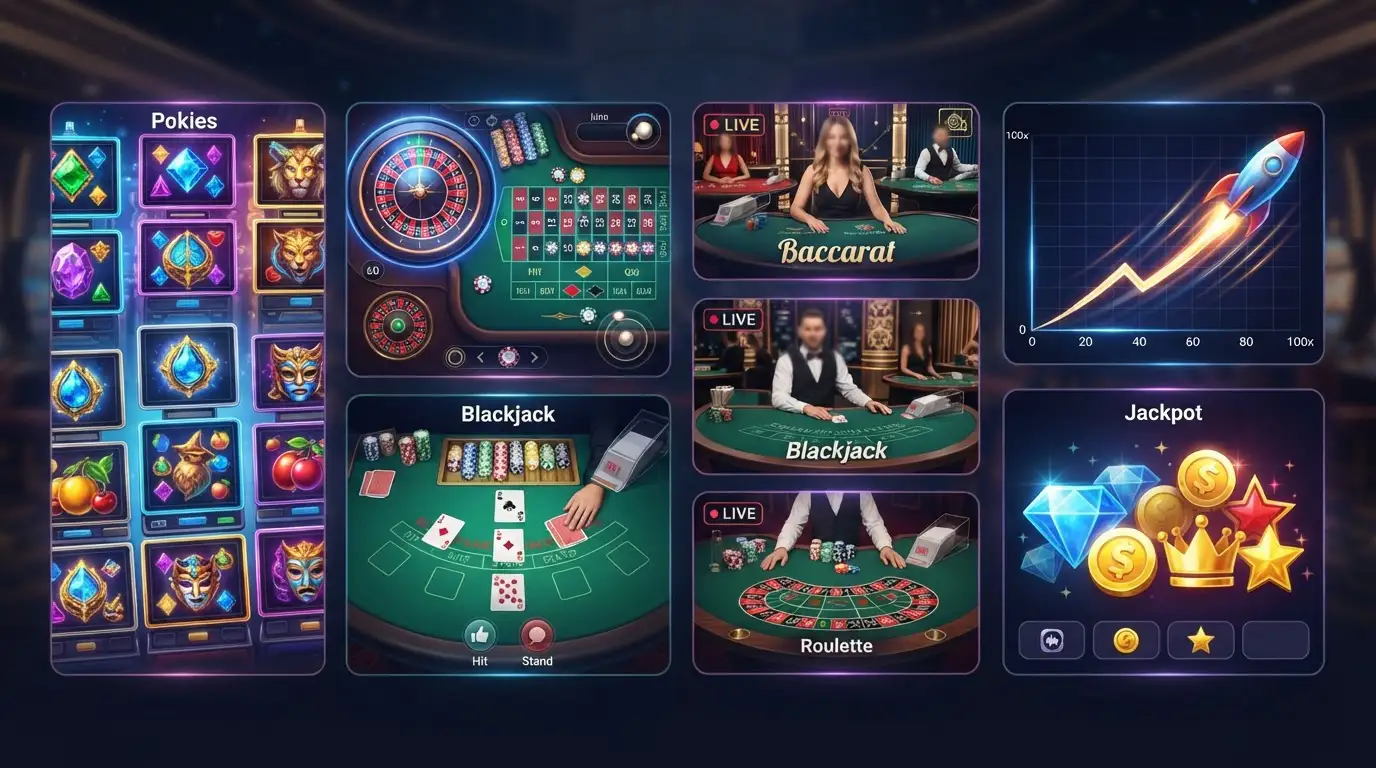
Stellar Spins lists more than 3,000 casino games overall, and its mobile page highlights pokies, table games and live dealer titles for phone and tablet play. That does not mean every title will behave identically on every device, but mobile compatibility is a core part of the catalogue rather than a small separate selection.
For pokies, a touch screen can be a natural fit because most actions are simple taps. Table games benefit from a little more screen space, while live casino titles have the extra challenge of fitting a video stream, betting controls and game information onto a smaller display.
If game selection matters more than device setup, the Stellar Spins games gives the broader catalogue view. The point of the mobile page is not to repeat all 3,000-plus titles but to explain how that library translates to a phone or tablet.
Mobile live casino: screen size matters more than installation
Live dealer games are available through the mobile experience, but they place different demands on a phone than a standard pokie. You are watching a video feed while also reading betting controls and table information. A larger phone, landscape orientation or tablet can make that layout easier to follow.
Connection stability matters as well. A video stream is less forgiving of weak mobile data than a lightweight menu page. If you are playing live tables, a stable Wi-Fi or strong mobile connection is more important than whether the casino is launched from a browser tab or home-screen icon.
For table selection and practical live-play considerations, see the dedicated live casino guide.
The full picture is in the Stellar Spins review for Australia.
Deposits and banking from a phone
The mobile site includes access to account and cashier functions, so you do not need to move to desktop just to fund the account. Stellar Spins supports AUD as an account currency, with deposit options including Visa, Mastercard, Neosurf and cryptocurrencies such as BTC, BCH, ETH, DOGE, LTC and XRP.
Mobile convenience should not change the basic payment checks. Confirm the currency, method and amount before submitting. With crypto, verify the asset and address carefully rather than relying on a small-screen glance. With cards, make sure autofill has not inserted details you did not intend to use.
The payment methods compares the available funding categories in more detail. Withdrawal conditions are covered separately because depositing from a phone does not determine how a later payout will be handled.
Registration and account access on mobile
Stellar Spins can be used for registration and login from a mobile browser. The same principle applies here as on desktop: enter accurate details, use an email and mobile number you control, and avoid creating duplicate accounts.
If verification is requested later, document upload from a phone can actually be convenient because the camera is already available. The challenge is quality. Take clear, well-lit images, make sure all required edges and details are visible, and follow any masking instructions for payment cards.
For the full account process, including the documents Stellar Spins can request, use the registration and KYC.
Browser shortcut or ordinary bookmark?
| Option | Best for | What changes |
|---|---|---|
| Normal browser bookmark | Occasional access | Keeps Stellar Spins inside your usual browser workflow |
| Home-screen shortcut | Frequent mobile access | Adds a direct icon while still opening the web service |
| Desktop browser | Larger-screen navigation | Gives more room for menus, tables and account pages |
There is no need to turn a browser shortcut into a bigger technical decision than it is. If you use the casino rarely, a bookmark is enough. If you return often, a home-screen icon removes a couple of taps. Neither changes the underlying account or game catalogue.
What to check before playing on mobile data
- Connection quality: live dealer streams and animated games need a more stable connection than static account pages.
- Battery level: long sessions with video and high screen brightness can drain a phone quickly.
- Data allowance: live video can use considerably more mobile data than browsing the lobby.
- Screen privacy: avoid exposing account balances, payment details or identity documents on a device others can see.
- Browser state: if pages behave strangely, reopening the browser or clearing cached data can solve common display problems.
These points are mundane compared with bonus banners or game counts, but they have more impact on whether mobile play feels comfortable from day to day.
Mobile myths worth avoiding
A home-screen icon is not proof of a native app. Modern browsers can create icons that launch websites directly. That is exactly the route described by Stellar Spins for quick access.
Mobile does not mean a separate casino account. You use the same login and balance across devices.
A phone does not guarantee faster banking. The convenience of submitting a deposit or withdrawal from a handset does not alter KYC requirements or the processing characteristics of the payment method.
Mobile compatibility does not make every game equally comfortable. A fast pokie can work well on a small screen, while a detailed live table may be easier on a larger phone or tablet.
Stellar Spins mobile questions
Can I play Stellar Spins on iPhone?
Yes. Stellar Spins supports browser-based play on smartphones and tablets, including iPhone and iPad access through a compatible browser.
Can I play on Android?
Yes. The mobile site supports Android browser play, and the official FAQ identifies Chrome as the preferred browser.
Do I need to download a Stellar Spins app?
No download is required. The official mobile page promotes instant browser play and provides instructions for adding a home-screen shortcut instead.
Can I play live casino games on mobile?
Yes. Stellar Spins’ mobile material includes live dealer games alongside pokies and table games.
Can I deposit from my phone?
Yes. Account and cashier access are available through the mobile site. The available funding mix includes cards, Neosurf and several cryptocurrencies.
The simplest mobile setup is already in your browser
Stellar Spins makes the strongest case for mobile when it is treated as a website that travels well rather than as another app to install. Open it in a compatible browser, use the same account you would on desktop, and add a home-screen shortcut only if that genuinely makes access more convenient.
That browser-first model also keeps the decision simple for Australian players. The games, cashier and account tools are available without a separate download, while a phone or tablet can be chosen according to screen comfort rather than software compatibility. If you spend most of your time in pokies, a phone may be enough; if live dealer play is important, the extra space of a larger handset or tablet can make a noticeable practical difference.
Published by the Stellar Spins team.